

Description
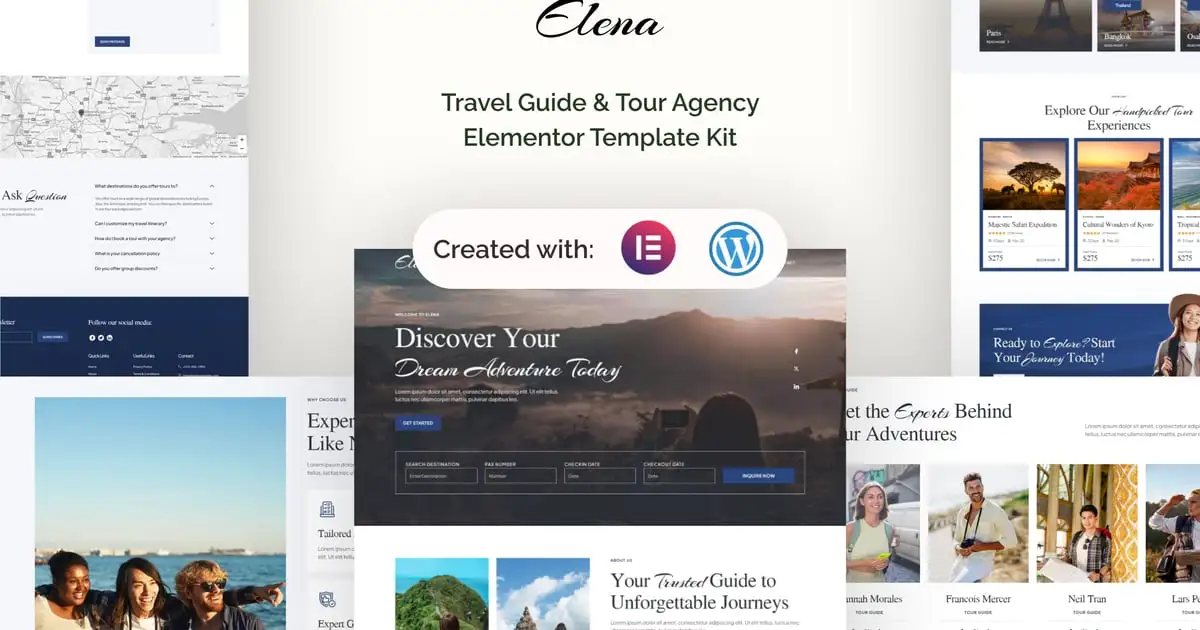
Creativ is a Elementor Pro Template Kit designed specifically for bloggers and magazine enthusiasts. Whether you’re a passionate writer, a creative storyteller, or a dedicated publisher, Creativ offers the perfect platform to showcase your content in a captivating and visually appealing way.
Creativ comes equipped with a selection of beautifully designed pages, including homepages, blog layouts, article templates, category pages, and more. The templates are thoughtfully crafted with attention to detail, ensuring that every element complements your written work and enhances the overall aesthetic appeal.
Creativ allows you to effortlessly customize and personalize your website thanks to Elementor’s user-friendly interface and drag-and-drop functionality, you can easily rearrange elements, change colors, and modify fonts to match your brand identity and create a unique online presence.
Kit Includes:
- Home Template
- About Page Template
- Contact Page Template
- FAQ Page Template
- Team Page Template
- 404 Page Template
- Archive Search Template
- Off Canvas Menu Template
- Footer Template
- Header Template
Plugins installed with kit
- Livemesh Addons for Elementor
- ElementsKit Lite
- Elementor Header & Footer Builder
- Jeg Elementor Kit
- Qi Addons For Elementor
Elementor Pro upgrade is required for some templates and features (not included)
Fonts
- Cormorant Garamond
- Poppins
How to Use Template Kits:
- Download your kit file from Envato and do not unzip it. If you use Safari browser you may need to ensure “Open safe files after downloading” is disabled in the browser preferences.
- Go to Settings > Permalinks and ensure Post Name is selected
- Go to Appearance > Themes > Add New and ensure Hello Elementor is installed and activated. This will prompt you to install Elementor if you haven’t already.
- Go to Plugins and ensure Elementor and Envato Elements are installed and at the latest version. If your kit requires Elementor Pro, it must be installed now and connected to your account.
- Go to Elements > Installed Kits and click Upload Template Kit Zip (or click your kit to view it)
- Check for the orange banner at the top and click Install Requirements to load any plugins the kit uses. https://envato.d.pr/ughD8Q
- Click import on the Global Kit Styles first. This will setup the site settings.
- Click Import on one template at a time in the order shown. These are stored in Elementor under Templates > Saved Templates and are re-used from here.
Creating pages
- Go to Pages and create a new page and click Edit with Elementor
- Click the gear icon at lower-left of the builder to view page settings and choose Elementor Full Width and hide page title
- Click the gray folder icon to access My Templates tab and then Import the page you’d like to customize.
- Select post and blog elements in the builder to customize the queries or specific posts to show
- The home page is set under Settings > Reading by selecting Static Front Page.
If you have Elementor Pro, headers and footers are customized under Templates > Theme Builder.
Detailed Guide: https://help.market.envato.com/hc/en-us/articles/900000842846-How-to-use-the-Envato-Elements-WordPress-Plugin-v2-0
For further support, go to Elementor > Get Help in WordPress menu.
Stock
Blog Content is not included – you will need to add a few posts to WordPress before post content will appear in templates.