
Description
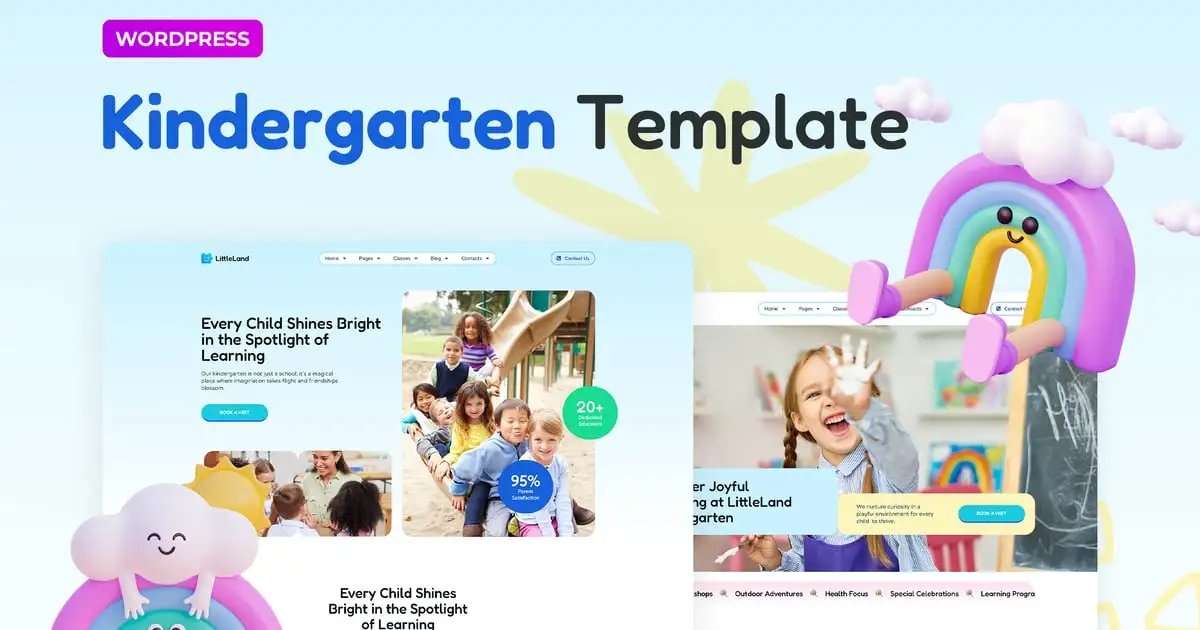
The LittleLand Kindergarten Elementor Pro Template offers a lively and up-to-date solution designed specifically for nurseries, childcare centers, preschools, kindergartens, play areas, and kids cafes. This modern template is well-suited for websites catering to children, making it an excellent choice for projects focused on children’s activities and growth.
It’s also perfect for websites in various other industries, offering an adaptable design and versatile features that empower you to create a comprehensive online presence catering to diverse customer needs.
This is a Template Kit that includes page content for the Elementor page builder, rather than a WordPress theme. Although it has been designed to work seamlessly with the Hello Elementor theme, it can also be used with other themes that are compatible with Elementor.
Pages
- Home
- Home 2
- About
- Blog
- Classes
- Contacts 1
- Contacts 2
- Event Detail
- Events
- Gallery
- Popular Questions
- Pricing
- Program Detail
- Single Post
- Teacher Detail
- Teachers
- Error Page
Sections
- Header
- Footer
- Burger Menu
Features of LitteLand Template Kit
- Global Theme Styles included
- 21 Elementor Templates
- Unique fun lottie animated graphics
- 100% Fluid Responsive
- Clean and Simple Style
- Easy to Use and Customize
- All major browsers supported Chrome, Firefox, Safari, Edge, Opera
- Free Google Fonts Used
- Tested in Color Blindness Simulator
- 100% SEO Friendly
- Optimized for Elementor Pro
The template is perfectly organized and structured, making it easy to customize all its parts, change the background and color, and manage global typography.
Required Addons installed with kit:
- Envato Elements
- Premium Addons for Elementor
- Selection Lite
- Elementor
- Elementor Pro
Elementor Pro upgrade is required for some templates and features (not included)
** How to Use Template Kits: **
This is not a WordPress Theme. Template kits contain the design data for Elementor only and are installed using the envato Elements plugin for WordPress or directly through Elementor.
- Download your kit file from Envato and do not unzip it. If you use Safari browser you may need to ensure “Open safe files after downloading” is disabled in the browser preferences.
- Go to Settings > Permalinks and ensure Post Name is selected
- Go to Appearance > Themes > Add New and ensure Hello Elementor is installed and activated. This will prompt you to install Elementor if you haven’t already.
- Go to Plugins and ensure Elementor and Envato Elements are installed and at the latest version. If your kit requires Elementor Pro, it must be installed now and connected to your account.
- Go to Elements > Installed Kits and click Upload Template Kit Zip (or click your kit to view it)
- Check for the orange banner at the top and click Install Requirements to load any plugins the kit uses. https://envato.d.pr/ughD8Q
- Click import on the Global Kit Styles first. This will setup the site settings.
- Click Import on one template at a time in the order shown. These are stored in Elementor under Templates > Saved Templates and are re-used from here.
Creating pages
- Go to Pages and create a new page and click Edit with Elementor
- Click the gear icon at lower-left of the builder to view page settings and choose Elementor Full Width and hide page title
- Click the gray folder icon to access My Templates tab and then Import the page you’d like to customize.
- The home page is set under Settings > Reading by selecting Static Front Page.
If you have Elementor Pro, headers and footers are customized under Templates > Theme Builder.
Detailed Guide: https://help.market.envato.com/hc/en-us/articles/900000842846-How-to-use-the-Envato-Elements-WordPress-Plugin-v2-0
For further support, go to Elementor > Get Help in WordPress menu.
Sources
This Template Kit uses demo images from Envato Elements: You will need to license these images from Envato Elements to use them on your website, or you can substitute them with your own. Blog Content is not included you will need to add a few posts to WordPress before post content will appear in templates.
Envato Elements Collection: https://elements.envato.com/collections/XLNR4CWAED