
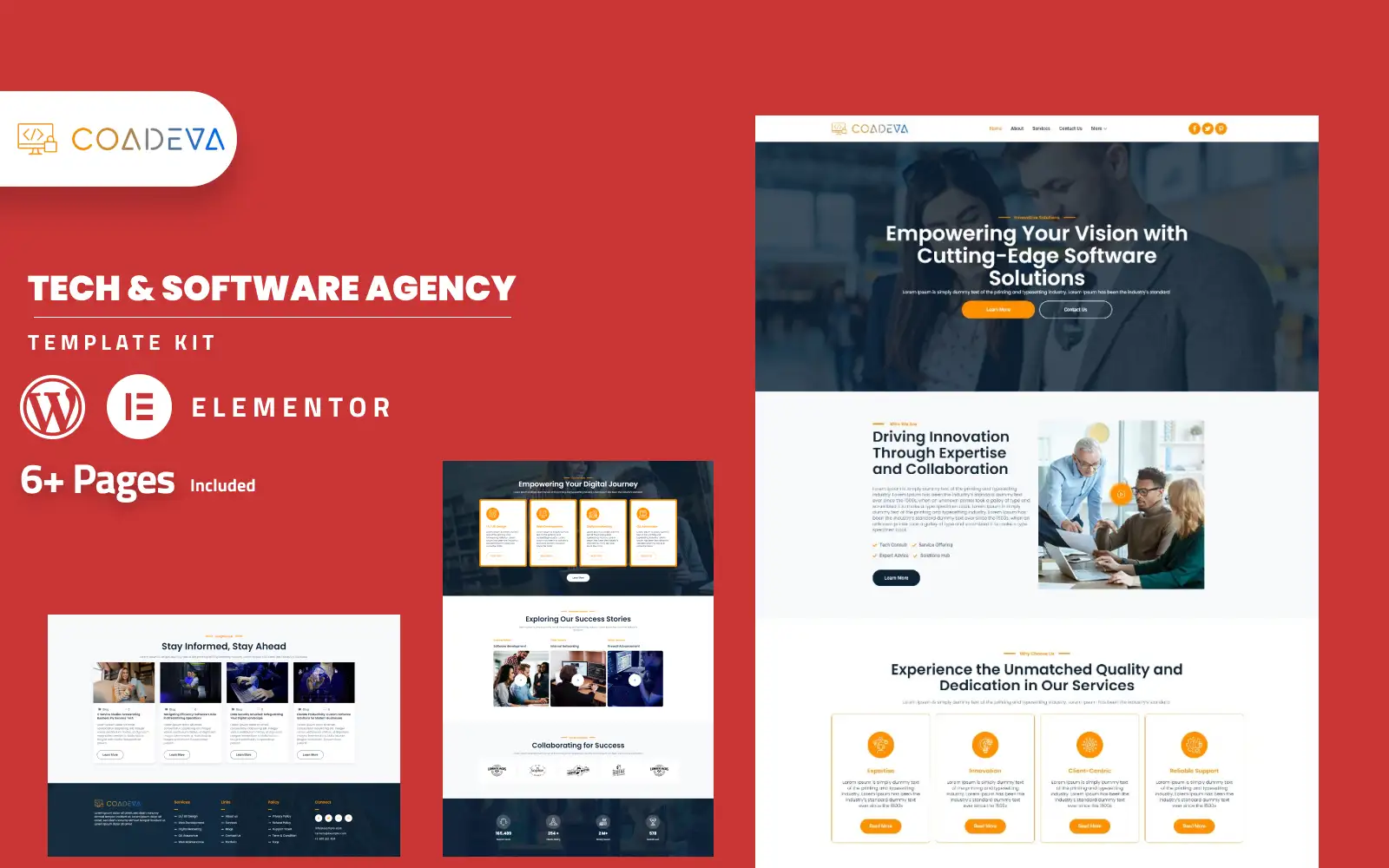
Coadeva – Software Company Elementor Template Kit Elementor Kit
179.000₫
Introducing
Coadeva, your premier software agency, where innovation meets excellence. Dive into the world of cutting-edge technology solutions with our bespoke Elementor Template Kit.
Crafted exclusively for Coadeva, our Elementor Template Kit offers a curated selection of templates tailored to showcase our expertise in software development, SaaS solutions, and digital innovation. With its sleek and modern design, our template kit ensures that Coadeva’s website captivates visitors with its professionalism and user-friendly layout.
Powered by Elementor, customization is a breeze, allowing Coadeva to personalize every aspect of the website to reflect our unique identity and brand ethos. Whether tweaking layouts, adjusting colors, or refining content, our template kit empowers us to create a truly immersive online experience without the need for any coding knowledge.
Our template kit is fully responsive, ensuring seamless performance across all devices, from desktops to smartphones. Installation is effortless, and with compatibility with the free “Hello Elementor” theme, Coadeva can kickstart its online presence with ease.
Should you require any assistance or have questions about implementation, our dedicated support team is here to provide guidance and solutions tailored to Coadeva’s needs.
Experience the power of our Elementor Template Kit and elevate Coadeva’s online presence to new heights in the digital landscape.
Feature
- Modern and Professional design.
- Drag-and-drop Elementor page Builder.
- Built with Elementor Free.
- 100% Responsive & mobile-friendly.
- Easy to customize.
- Easy to customize.
- No coding required.
- Template kit built with Elementor Hello Theme.
Templates Include
- Home
- About us
- Team
- Career
- Job detail
- Services
- Service detail
- Contact
- Project
- Project detail
- Blogs
- Blog detail
- Faq
- Pricing
- 404 error
Sections and Blocks
- Header
- Footer
- offcanvas
- Contact Form
- job Form
- Newsletter Form
Required Plugins Pre-Installed With the Kit
- Elementor
- ElementsKit
- Metform
Importing Metforms: What You Need to Know
- The metform block templates should be imported.
- Import the page template with the form on it and enable the Navigator by right-clicking.
- Click Edit Form after locating and selecting the Metform widget. Then select New and Edit Form from the drop-down menu. The function Object() { [native code] } will show up.
- Select the grey folder icon that says ‘Add Template’.
- Select the ‘My Templates’ option from the drop-down menu.
- Then click ‘Insert’ after selecting your imported metform template (click No for page settings).
- After you’ve finished customizing the template, click ‘Update & Close.’ In the template, the form will appear.
- Update the information by clicking the button.
In Elementskit, Configure The Global Header and Footer
- Import the template for the header and footer.
- Navigate to ElementsKit Header Footer and select Add New (if prompted with a wizard, you may click Next through it without taking any action).
- Toggle Activation to On, title the header, and leave Entire Site selected.
- To open the builder, click the grey Edit Content button.
- Select the header template to import by clicking the grey folder icon, then select your menu in the nav element and click Update.
- Repeat for the footer.
Demo pictures are used in this Template Kit. To use these photos on your website, you’ll need to purchase a license or you can use your own.