
Description
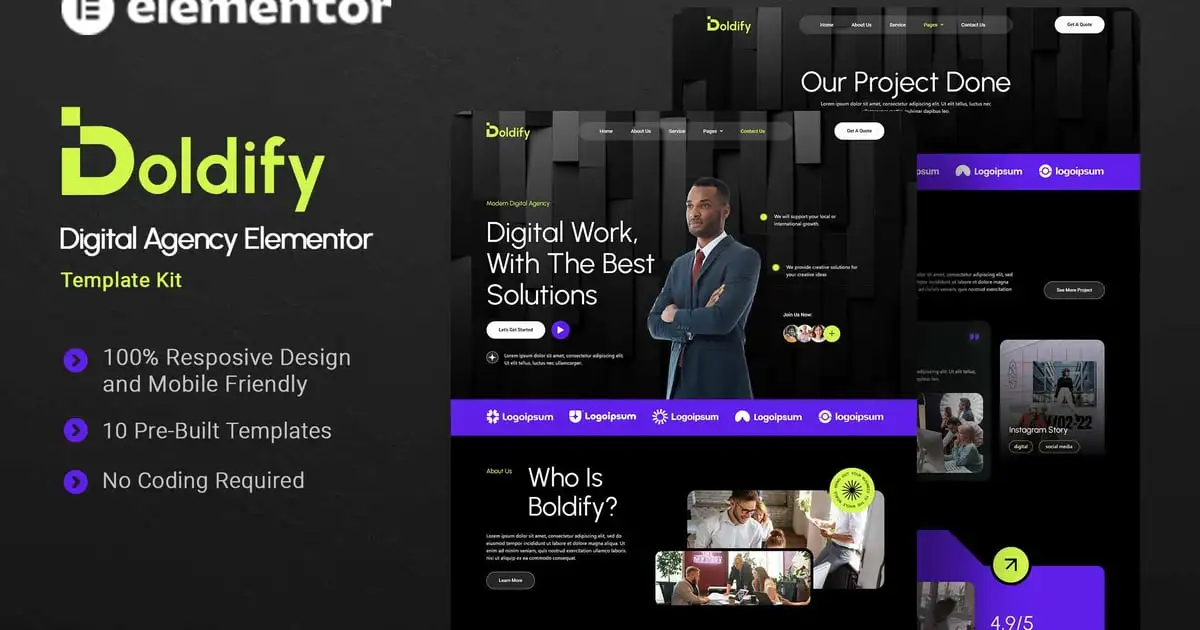
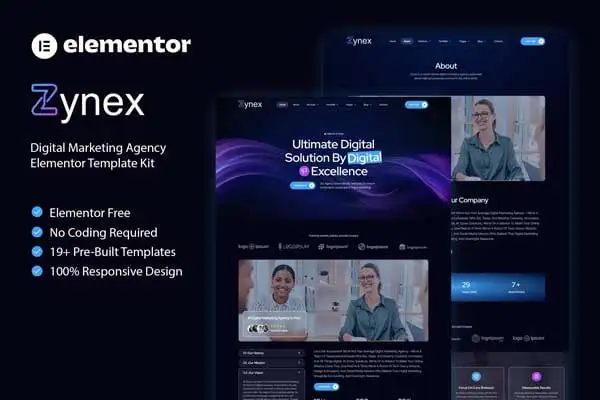
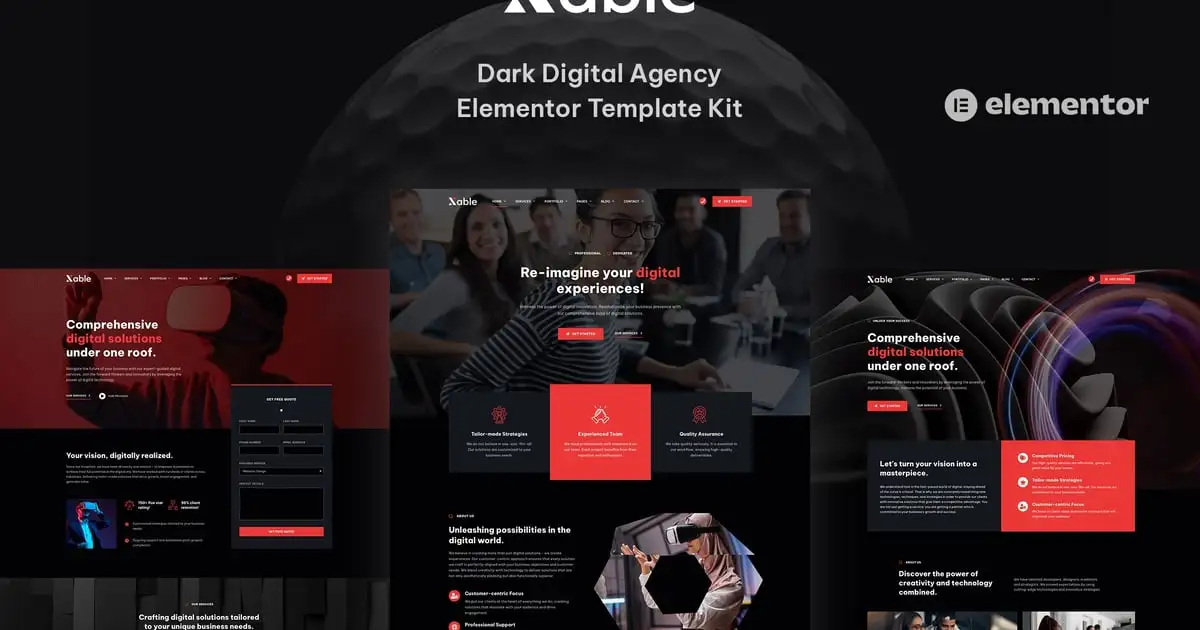
Xable is a dark styled and creative Elementor template kit for digital agencies and portfolios that offers a creative impact! The template kit is ideal for software development, website design, digital marketing, graphic design, UI/UX design, app landing page, social media management, portfolio showcase, freelancer, start-ups, and other digital agency-related projects.
Complete Video Tutorial:
https://youtu.be/u3hcAn2xZwk
Important Notes:
- Elementor Pro upgrade (purchase separately) is required for most templates and features (not included).
- This template kit is not a WordPress theme. Template kit contains page content for the Elementor page builder. This kit has been optimized for use with the free Hello Elementor theme but may be used with most themes that support Elementor.
Xable Elementor Template Kit Features:
- 50+ ready to use templates.
- 5 Home page layouts.
- 4 Portfolio layouts.
- 3 Services page Layouts.
- 3 Pricing page layouts.
- Great social engagement.
- Mobile & tablet device friendly.
- Global Styles included.
- Easy color & typography customization.
- SEO-friendly design.
- No coding knowledge is required.
- Lifetime free updates
Included Templates:
- Home Page 1
- Home Page 2
- Home Page 3
- Home Page 4
- Home Page 5
- Services 1
- Services 2
- Services 3
- Single Service 1
- Single Service 2
- Pricing 1
- Pricing 2
- Pricing 3
- Portfolio 1
- Portfolio 2
- Portfolio 3
- Portfolio 4
- Single Portfolio 1
- Single Portfolio 2
- Single Portfolio 3
- About Us 1
- About Us 2
- Our Team 1
- Our Team 2
- Our Clients 1
- Our Clients 2
- Work Process
- Success Stories
- Single Success Story
- Testimonials
- Careers
- Job Details & Application Form
- FAQs
- Shop
- Single Product
- My Account
- Cart
- Checkout
- Purchase Summary
- Order Tracking
- Blog 1
- Blog 2
- Blog Archive
- Single Post 1
- Single Post 2
- Book a Meeting
- Contact Us 1
- Contact Us 2
- 404 Page
- Header
- Footer
- Block: Main CTA
- Block: Main CTA with Form
Required Plugins:
- Elementor
- Elementor Pro upgrade (purchase separately) is required for most templates and features (not included).
- WooCommerce (For shop pages)
How to Use Template Kits:
- Install and Activate the “Envato Elements” plugin from Plugins > Add New in WordPress
- Download your kit file and Do not unzip
- Go to Elements > Installed Kits and click the Upload Template Kit button. You may also import automatically by clicking Connect Account to link your Elements subscription, then import under Elements > Template Kits.
- Check for the orange banner at the top and click Install Requirements to load any plugins the kit uses
- Click import on the Global Kit Styles first
- Click Import on one template at a time. These are stored in Elementor under Templates > Saved Templates.
- Go to Pages and create a new page and click Edit with Elementor
- Click the gear icon at lower-left of the builder to view page settings and choose Elementor Full Width and hide page title
- Click the gray folder icon to access My Templates tab and then Import the page you’d like to customize.
- If you have Elementor Pro, headers and footers may be customized under Theme Builder.
Detailed Guide:
- Envato Documentation: https://help.market.envato.com/hc/en-us/articles/900000842846-How-to-use-the-Envato-Elements-WordPress-Plugin-v2-0
- Elementor Documentation: For further support, go to Elementor > Get Help in the WordPress menu.
How to Setup Main CTA Block:
- Import the Main CTA blocks and customize it from Templates > Saved Templates.
- Create / Open the page where the CTA block should appear in Elementor.
- Locate the Template element in the navigator and select the block from the dropdown.
- Alternatively, you may set the CTA Block template to Global and insert the block directly into your pages from the My Templates library. For more information on Globals, see Elementor > Get Help in your admin menu.
Blog Posts:
Blog content is not included – you will need to add a few posts to WordPress before post content will appear in templates.
Image License:
This Template Kit uses demo images from Envato Elements. You will need to license these images from Envato Elements to use them on your website, or you can substitute them with your own.
- https://elements.envato.com/collections/ESXP7QTJFD