Theme WordPress dịch vụ vay tiền 02 Giá gốc là: 850.000₫.650.000₫Giá hiện tại là: 650.000₫.

Advanced Custom Fields for WooCommerce Giá gốc là: 100.000₫.80.000₫Giá hiện tại là: 80.000₫.

Mô tả
Description
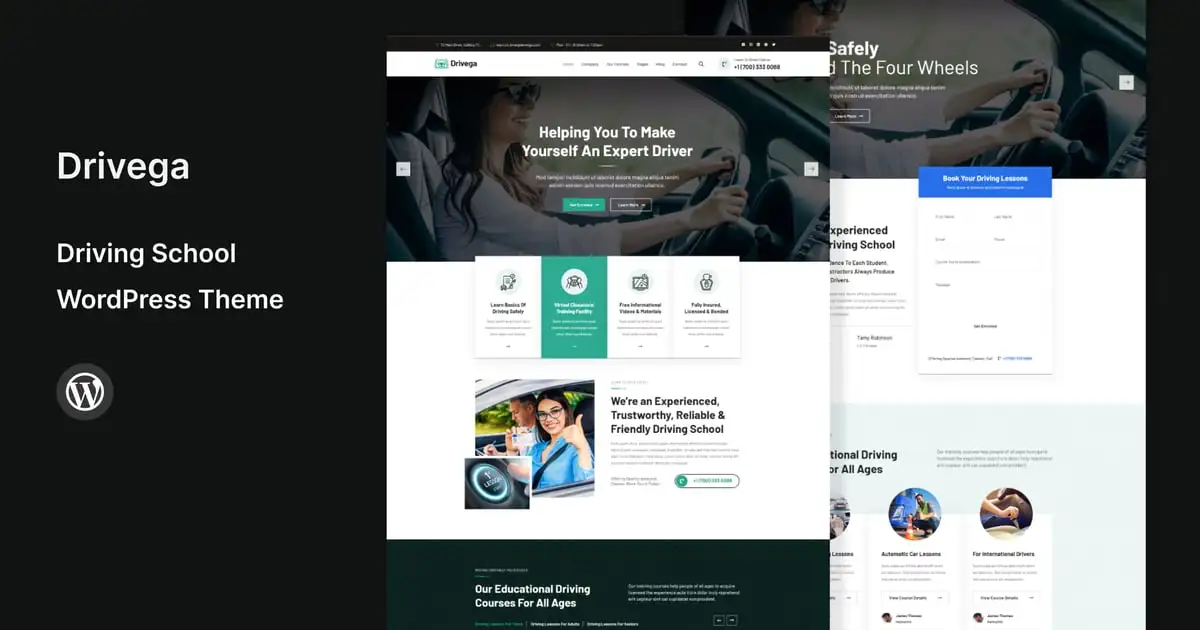
DriveSkill is a modern and professional template kit, carefully crafted for driving schools and instructor services. With its clean, user-friendly, and fully responsive design, DriveSkill allows schools to build a strong online presence effortlessly—no coding required.
This highly customizable template kit includes a wide range of pre-designed pages, making it easy to tailor layouts, colors, and content to reflect your school’s brand and services. Whether you’re offering motorcycle training, defensive driving, or heavy vehicle operation, DriveSkill provides all the essential tools to promote your courses and connect with new learners.
Key Features
- Modern and responsive design
- Compatible with Elementor Free
- Easy customization of colors, fonts, and layouts
- Pre-designed pages for booking, courses, pricing, and contact
- Functional forms powered by MetForm
Included Templates
- Home 01
- Home 02
- About Us
- Courses
- Defensive Driving
- Heavy Vehicle Operation
- Motorcycle Training
- Driver’s License
- Booking
- Locations
- Contact Us
- Header 01
- Header 02
- Footer
- Testimonials
- Pricing
- Instructors
- MetForm – Booking Form
- MetForm – Contact Form
- MetForm – Tips Form
- MetForm – Footer Form
- Global Kit Styles
</ul>
Plugins installed with kit:
- ElementsKit Lite
- MetForm
How to Use Template Kits:
This is not a WordPress Theme. Template kits contain the design data for Elementor only and are installed using the envato Elements plugin for WordPress or directly through Elementor.
Elementor Template Kits use the Envato Elements plugin to install.
Detailed Guide:
https://help.market.envato.com/hc/en-us/articles/36033428836889-How-to-Upload-Install-Elementor-Template-Kits-from-Themeforest-to-WordPress
For further support, go to Elementor > Get Help in WordPress menu.
Setup Header in ElementsKit Lite
If you have Elementor Pro, setup headers and footers in Theme Builder. Pages you create with Elementor must have the Page Layout set to Elementor Full width for the global header and footer to appear.
- Go to ElementsKit > Header Footer
- If prompted to go through the wizard, click Next all the way through and then return to step 1 (you are not required to enter your email address or share your information)
- Click Add New Template button at the top
- Name your template, then toggle “Activate/Deactivate:” to On
- Click the gray Edit Content button. Elementor will open.
- Click the gray folder icon to access My Templates tab and Insert the header or footer template.
- Customize and Publish
How to Import MetForm Custom Form:
- While edititing a page where a form should appear, open the Elementor navigator to locate the Metform widget.
- Click Edit Form in the builder panel.
- Select New, leave blank selected then click Edit Form button.
- Click ‘Add Template’ grey folder button.
- Click ‘My Templates’ tab.
- Choose your imported MetForm template, then click ‘Insert’.
- Once the template is loaded, click ‘Update’.
Image license
This Template Kit uses demo images from Envato Elements. You will need to license these images from Envato Elements to use them on your website, or you can substitute them with your own.
- https://elements.envato.com/collections/FZC7SMBE85
Có thể bạn quan tâm
Thông tin thanh toán


Đăng ký theo dõi
Đăng nhập
Cũ hơn