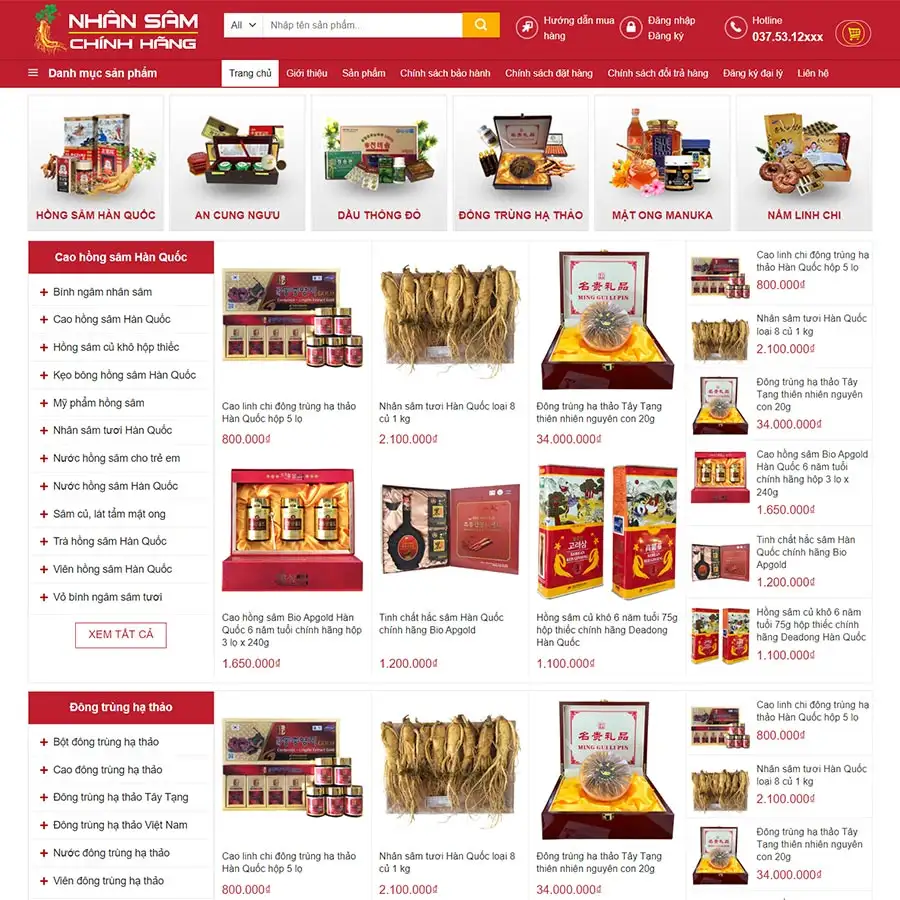
Theme WordPress bán nhân sâm Giá gốc là: 1.100.000₫.700.000₫Giá hiện tại là: 700.000₫.

Advanced Custom Fields for WooCommerce Giá gốc là: 100.000₫.80.000₫Giá hiện tại là: 80.000₫.
Mô tả
Description
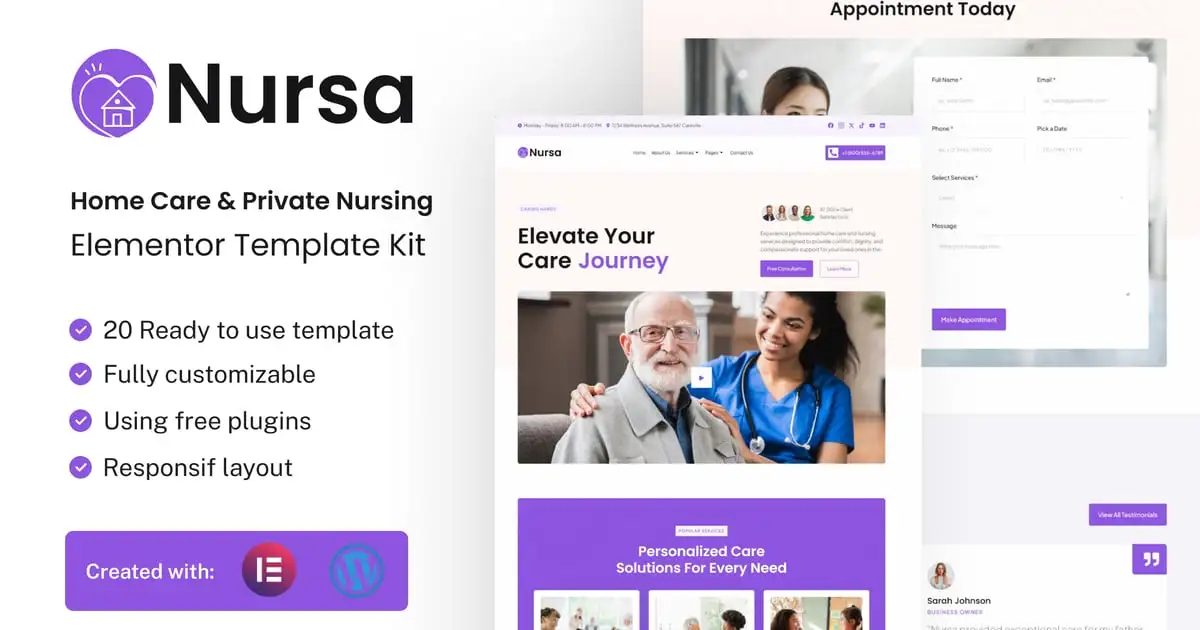
Nursa is the ultimate Elementor Template Kit for Home Care & Private Nursing Services, now available for WordPress and Elementor Free. Designed for home care providers, private nursing services, senior care agencies, and healthcare professionals, Nursa combines the power of Elementor Free with WordPress to create a compassionate, professional, and user-friendly online presence.
Nursa enables you to build a modern and reliable website that highlights your services, expertise, and dedication to personalized care. Perfect for showcasing in-home medical assistance, elder care, palliative support, and rehabilitation services, this template kit offers thoughtfully designed layouts to present your offerings clearly and effectively.
With its elegant design and functional features, Nursa captures the essence of trust and care that your clients seek. The kit includes dedicated sections for service overviews, staff profiles, client testimonials, contact forms, and appointment bookings, ensuring an engaging and seamless user experience.
More than just a template, Nursa is a versatile toolkit for home care providers and private nurses to connect with families and individuals in need of care. Its responsive design and intuitive customization make it effortless to tailor the site to your unique brand and mission.
Elevate your home care or private nursing services with Nursa. Create a website that inspires trust, builds connections, and emphasizes the quality of care you provide—all with the simplicity of WordPress and Elementor Free. Transform your online presence today with Nursa and reach those who need your support most.
Suitable For:
- Home Care
- Private Nursing
- Nursing Service
### Features:
- Compatible with Free Plugins (Elementor Pro Not Required)
- Unique & Clean Design
- Modern design based on design system
- 20 Ready to use Templates
- Fully Responsive Layout
- Fully Customizable
- Cross Browser Compatibility: Chrome, Firefox, Safari, Opera
### Templates Included:
Global Theme Style
- Home
- AboutUs
- All Services
- Pricing
- Our Team
- Appointment
- Career
- Blog
- Single Post
- FAQ
- Error 404
- Design Guideline
- Contact
- Header
- Footer
- Contact Form (MetForm)
- Subscribe Form (MetForm)
- Subscribe Form Blog (MetForm)
- Appointment Form (MetForm)
- General Form (MetForm)
### Required Plugin(included):
- Elementor
- Elementskit Lite
- The Plus Addons for Elementor
- MetForm
- Sticky Header Effects for Elementor
### How to Use Template Kits:
This is not a WordPress Theme. Template kits contain the design data for Elementor only and are installed using the envato Elements plugin for WordPress or directly through Elementor.
Elementor Template Kits use the Envato Elements plugin to install.
Detailed Guide:
- https://help.elements.envato.com/hc/en-us/articles/36032349441945-How-to-Install-Elementor-Template-Kits-With-the-Envato-Elements-Plugin-in-WordPress-for-Envato-Elements-Subscribers
https://help.market.envato.com/hc/en-us/articles/36033428836889-How-to-Upload-Install-Elementor-Template-Kits-from-Themeforest-to-WordPress
For further support, go to Elementor > Get Help in WordPress menu.
How to Import Metforms
If you have Elementor Pro, skip install of Metform and form blocks.
- Import the metform block templates
- Import the page template where the form appears and right-click to enable the Navigator
- Locate and select the Metform widget and click Edit Form. Choose New, then Edit Form. The builder will appear
- Click ‘Add Template’ grey folder icon.
- Click ‘My Templates’ tab.
- Choose your imported metform template, then click ‘Insert’ (click No for page settings).
- Once the template is loaded, make any desired customizations and click ‘Update & Close’ The form will appear in the template
- Click Update
Setup Global Header and Footer in UAE
If you have Elementor Pro, headers and footers may be customized under Theme Builder.
- Go to UAE > Header Footer and click Add New button
- Give it a title and select Header, Display on Entire Website and click Publish
- Click Edit with Elementor
- Click the gray folder icon to access My Templates tab and select the header template to import and Update.
- Repeat for Footer
Images
This Template Kit uses demo images from Envato Elements. You will need to license these images from Envato Elements to use them on your website, or you can substitute them with your own.
https://elements.envato.com/collections/W7XLHBS6EQ
Có thể bạn quan tâm


Thông tin thanh toán


Đăng ký theo dõi
Đăng nhập
Cũ hơn