

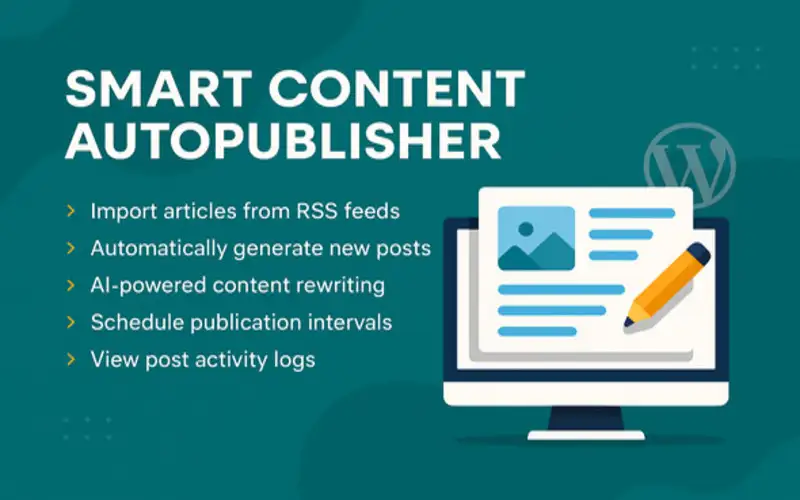
Smart Content AutoPublisher – AI RSS to WordPress WordPress Plugin
XEM DEMO WEB179.000₫
1. Installation
- Download the zip file.
- Extract the All files.zip and you will find a ‘Smart Content AutoPublisher.zip’ and a ‘Documentation SCAP.html.’
- Login to your WordPress admin panel.
- Navigate to Plugins Add New and click Upload Plugin.
- Select the ‘Smart Content AutoPublisher.zip’ and click Install Now.
- Activate the plugin after installation.
Smart Content AutoPublisher – Full Documentation
1. Installation
- Download the zip file.
- Extract the All files.zip and you will find a ‘Smart Content AutoPublisher.zip’ and a ‘Documentation SCAP.html.’
- Login to your WordPress admin panel.
- Navigate to Plugins Add New and click Upload Plugin.
- Select the ‘Smart Content AutoPublisher.zip’ and click Install Now.
- Activate the plugin after installation.
2. Configuration
After activation, go to AutoPublisher Smart Content AutoPublisher Settings.
- RSS Feed Sources: Add one or more RSS feed URLs.
- Default Post Template: Use placeholders like {{title}}, {{content}}, {{date}}.
- Publishing Schedule Interval: Choose how often to auto-publish (e.g., hourly, daily).
- Category, Tags, and Author: Select default values for new posts.
- OpenAI Rewriting: Toggle ON to use OpenAI for content rewriting.
3. Logs and Monitoring
All logs related to publishing are recorded under AutoPublisher Logs AutoPublisher Logs.
4. Cron Job Execution
The plugin uses WordPress cron to schedule auto-publishing via the hook scap_cron_hook.
You can monitor and trigger this manually using the WP Crontrol plugin:
- Install and activate WP Crontrol.
- Go to Tools Cron Events.
- Find the scap_cron_hook and click “Run Now”.
5. File Structure and Responsibilities
- /includes/functions.php: Core logic for fetching and processing RSS feeds
- /includes/cron.php: Registers the cron hook and related logic
- /admin/settings.php: Admin UI for managing settings
- /includes/logger.php: Handles logging of publishing actions
- /templates/template-parser.php: Applies placeholders like {{title}} in post templates
- /includes/openai.php: Integrates with OpenAI API if rewriting is enabled
6. Template Editing
You can edit the default post template from the plugin settings or modify /templates/template-parser.php directly.
Available placeholders:
- {{title}}: Post title
- {{content}}: Main content from the feed
- {{date}}: Publication date
- {{link}}: Source link
7. Duplicate Content Handling
The plugin avoids publishing duplicates using the post URL hash. Each URL is stored and compared before publishing.
Example code:
// Inside functions.php
if (get_option(‘scap_posted_’ . md5(item_url), time());
}
8. Troubleshooting
- Ensure WP Cron is working. Try disabling caching plugins temporarily
- Check logs under AutoPublisher Logs
- Use WP Crontrol to manually test scap_cron_hook
Author: Suman Kumar Das
For support, contact via Template Monster message or the support email listed in the plugin settings.