Description
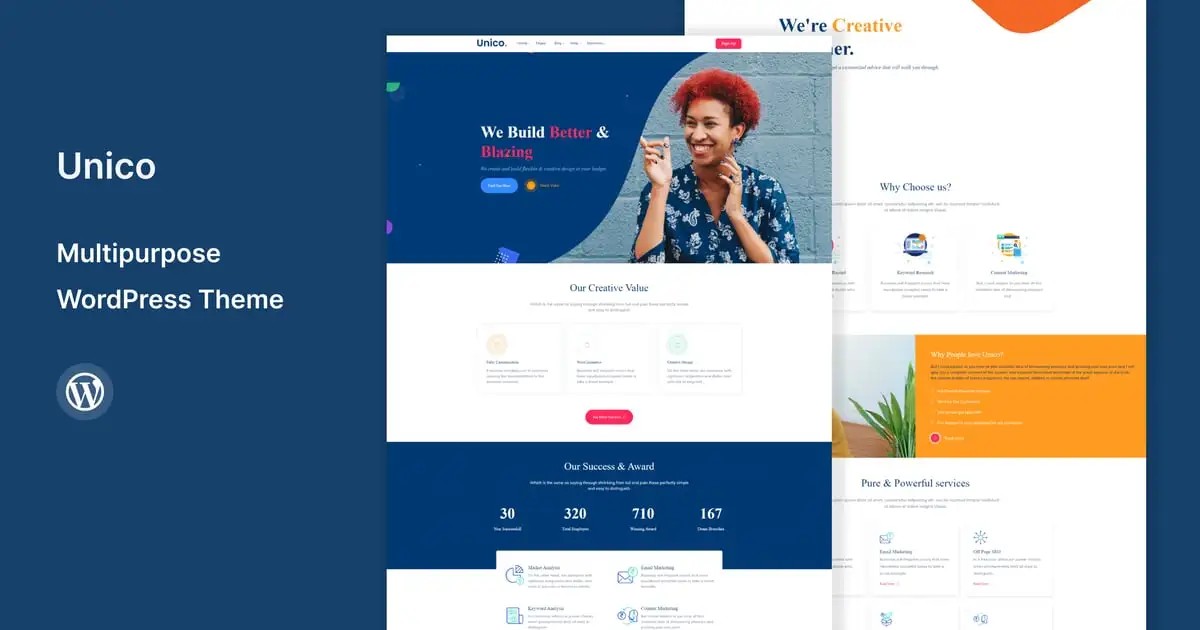
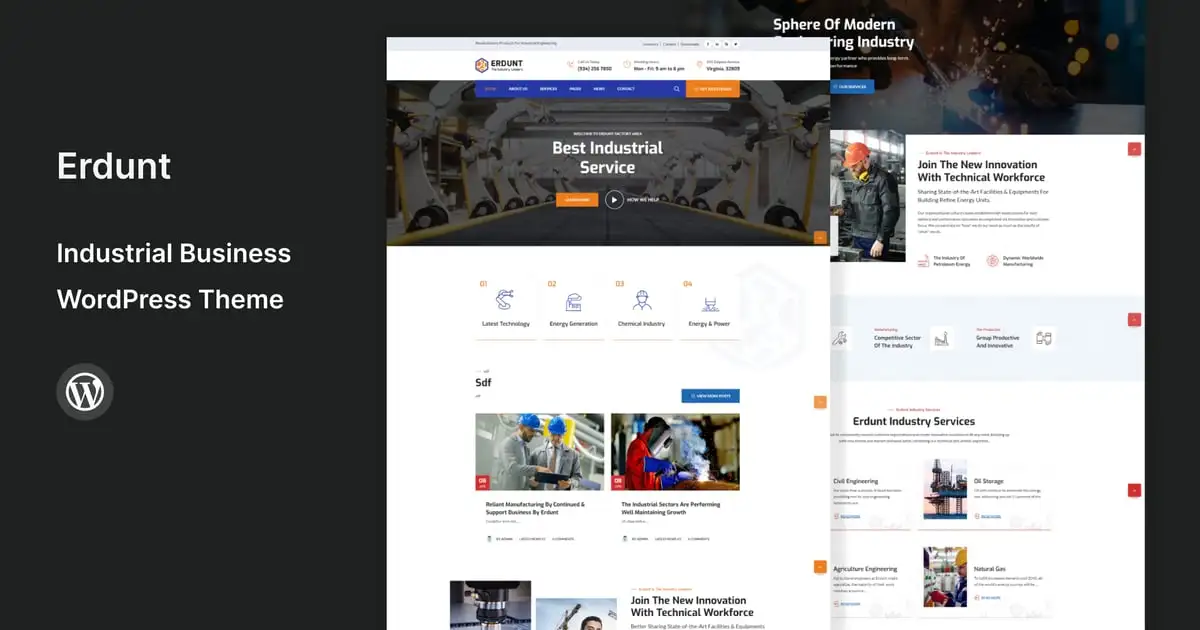
Pixelix is a modern and dynamic WordPress template, specifically designed for agency, business, business consulting, consulting, corporate, digital startup, digital, finance, marketing, web design professional, startup website service. It’s fully compatible with Elementor Page Builder, offering advanced features that are intuitive, customizable, and perfectly suited to meet the unique needs of your business.
Whether you’re a designer, developer, or entrepreneur, Pixelix empowers you to create a professional and visually appealing website with ease and speed.
Why Choose This Template?
This template is built with Elementor, the leading WordPress website builder that is free, open-source, and user-friendly. With Elementor, you can:
- Create Stunning Websites Intuitively: Use drag-and-drop tools to design pages without coding.
- Customize Like a Pro: Access a wide range of widgets, layouts, and styling options.
- Work Efficiently: Real-time editing makes it simple to achieve professional results in minutes.
What’s Inside?
- 11+ Pre-Designed Templates for every page your business needs.
- Global Kit Style: Effortless Customization colors, fonts in one place.
- Comprehensive Documentation: Get step-by-step guidance for setup and customization.
- Free Lifetime Updates: Stay up-to-date with regular enhancements and features.
Templates included:
- Homepage
- About Us
- Team
- Services
- Service Detail
- Projects
- Project Detail
- Pricing
- FAQs
- Latest Article
- Contact Us
- Block – Single Post (Required Plugin PRO for Theme Builder)
- Block – Error 404 (Required Plugin PRO for Theme Builder)
- Block – Header
- Block – Footer
- Block – Contact Form
- Block – Subscribe Form
Required Plugins:
- Elementor
- RomethemeKit For Elementor
- RomethemeForm
How to Use Template Kits:
This is not a WordPress Theme. Template kits contain the design data for Elementor only and are installed using the Envato Elements plugin for WordPress or directly through Elementor.
Elementor Template Kits use the Envato Elements plugin to install.
Detailed Guide:
https://help.market.envato.com/hc/en-us/articles/36033428836889-How-to-Upload-Install-Elementor-Template-Kits-from-Themeforest-to-WordPress.
For further support, go to Elementor > Get Help in WordPress menu.
Setup Global Header and Footer in RomethemeKit
If you have Elementor Pro, headers and footers may be customized under Theme Builder.
- Go to Romethemekit > Theme builder > Header and click Add New
- Give it a title and select Header, click Condition tab and add Entire Site and click Save
- Click Edit with Elementor
- Click the gray folder icon to access My Templates tab and select the header template to import and Update.
- Repeat for Footer
How to Setup Forms
If you have Elementor Pro, skip install of form plugin and form blocks.
- Import the form blocks.
- Click on RomethemeForm > Forms in the admin menu
- Click Add New
- Enter a Form Name and click Save and Edit (ignore other options)
- Click the gray folder icon in the builder area and click the My Templates tab
- Click Insert on the form block
- Click Publish/Update
- When customizing pages with forms, click the Rometheme Form Element and select the form from the drop-down
Note Images License
This Template Kit uses demo images from Envato Elements. You will need to license these images from Envato Elements to use them on your website, or you can substitute them with your own.
- https://elements.envato.com/collections/VBT3KF8CWQ