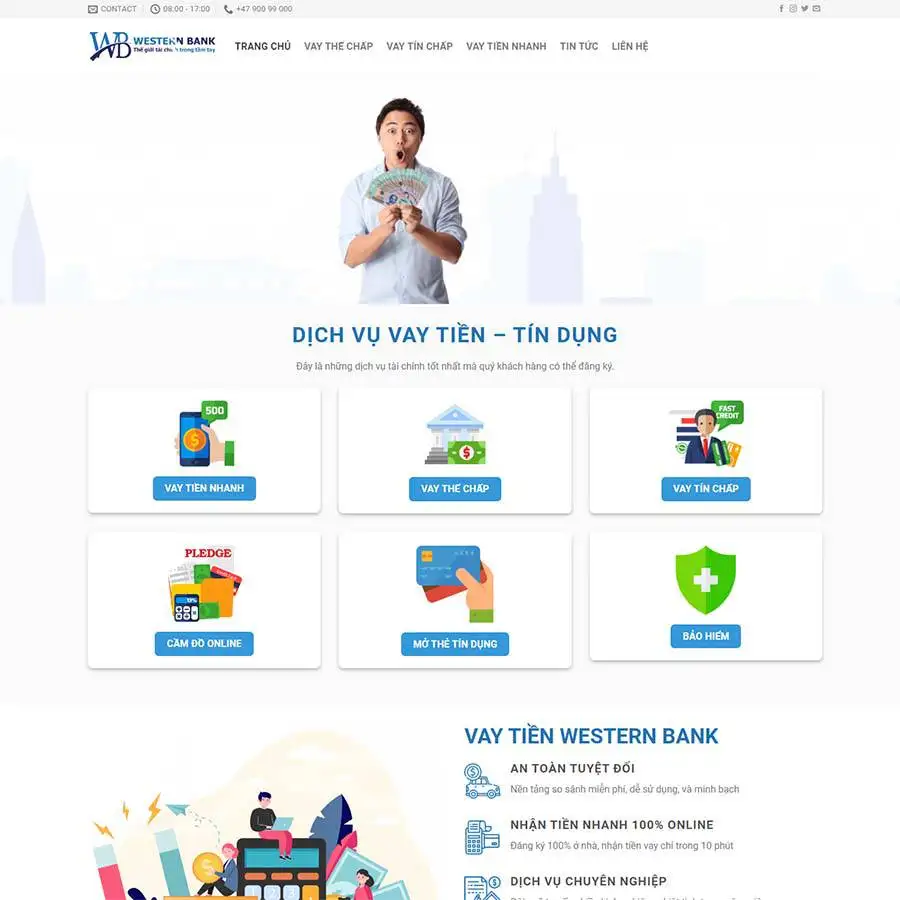
Theme WordPress dịch vụ vay tiền 02 Original price was: 850.000₫.650.000₫Current price is: 650.000₫.

Advanced Custom Fields for WooCommerce Original price was: 100.000₫.80.000₫Current price is: 80.000₫.

Description
Description
SiteWarden an Elementor Template Kit featuring professionally designed templates specifically crafted for digital agencies, creative studios, and marketing firms. With its modern design, comprehensive features, and user-friendly interface, this template kit provides a solid foundation for building a professional and visually stunning website.
Created to meet the unique needs of creative professionals and agencies, WebFlux includes elements optimized for showcasing services, portfolios, client testimonials, and team member profiles. In addition to pre-built pages, the kit offers a versatile array of customizable design components, such as buttons, icons, and typography, enabling effortless personalization to craft a unique and polished website experience.
Note: This is not a WordPress theme; it is a web design. Template Kits contain page content for the Elementor page builder. This kit has been optimized for use with the free Hello Elementor theme but can be used with most themes that support Elementor.
** Features**
- True no-code customization with drag and drop visual builder
- Customize fonts and colors in one place or fine-tune on individual elements
- Modern, professional design
- Fast-loading
- Works with most Elementor themes.
** Templates Includes**
- 03 Home Page Styles
- 03 Header Styles
- 02 Footer Styles
- Dedicated Page Style
- Shared Page Style
- Reseller Page Style
- VPS Page Style
- About Us
- Services
- Pricing Page
- FAQ Page
- Blog Page
- Single Page
- Comming Soon
- 404 Page
- Contact Page
** Required plugins installed with kit**
- Elementor
- Elementor WHMCS Elements
- Jeg Elementor Kit
- MetForm
How to Use Template Kits:
This is not a WordPress Theme. Template kits contain the design data for Elementor only and are installed using the envato Elements plugin for WordPress or directly through Elementor.
Elementor Template Kits use the Envato Elements plugin to install.
Detailed Guide:
- https://help.elements.envato.com/hc/en-us/articles/36032349441945-How-to-Install-Elementor-Template-Kits-With-the-Envato-Elements-Plugin-in-WordPress-for-Envato-Elements-Subscribers
For further support, go to Elementor > Get Help in WordPress menu.
** How to Import Metforms**
- Import the metform block templates
- Import the page template where the form appears and right-click to enable the Navigator
- Locate and select the Metform widget and click Edit Form. Choose New, then Edit Form. The builder will appear
- Click ‘Add Template’ grey folder icon.
- Click ‘My Templates’ tab.
- Choose your imported metform template, then click ‘Insert’ (click No for page settings).
- Once the template is loaded, make any desired customizations and click ‘Update & Close’ The form will appear in the template
- Click Update
How to setup header in Jeg Elementor Kit plugin
If you have Elementor Pro, headers and footers may be customized under Theme Builder.
- Go to Jeg Elementor Kit menu item > Header Template
- Click Add New Header
- Add condition > All Site and click Create
- Click gray folder icon to access My Templates tab
- Insert the header template.
- Customize and Save.
Image License
This Template Kit uses demo images from Envato Elements. You will need to license these images from Envato Elements to use them on your website, or you can substitute them with your own.
- https://elements.envato.com/collections/RUZB6429QH
Có thể bạn quan tâm
Thông tin thanh toán


Đăng ký theo dõi
Đăng nhập
Cũ hơn