
Description
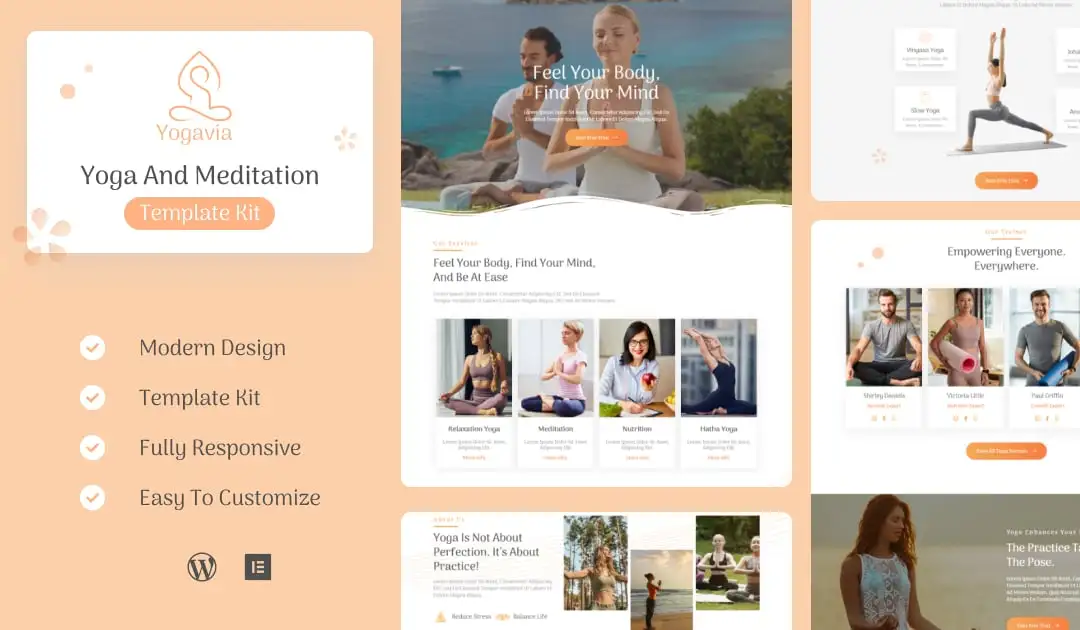
Yogavia is a well-organized and fully responsive Elementor template kit. It’s ideal for yoga studios, yoga classes, fitness centers, health clubs, massage parlors and related fields. All you need to do is upload the images and place your content. This template includes powerful features such as custom colors, boxes for post/page content creation, title settings, thumbnail and 404 pages not displaying images etc.. It also can be used in other fields that lies in the field of yoga.
#### Feature List
- Drag-and-drop visual builder for true no-code customization.
- Individual elements can be fine-tuned or fonts and colours can be changed all in one spot.
- Design that is both contemporary and professional.
- Fast-loading.
- Most Elementor themes are compatible with this plugin.
#### Required Plugins Pre-Installed With the Kit
- Elementor
- ElementsKit Lite
- MetForm
- Themesflat Addons For Elementor
How to Install
Template Kits use the Envato Elements plugin to install to WordPress (no subscription required).
Detailed Guide: https://help.market.envato.com/hc/en-us/articles/900000842846-How-to-use-the-Envato-Elements-WordPress-Plugin-v2-0
How to Import Metforms
- Import the metform block templates
- Import the page template where the form appears and right-click to enable the Navigator
- Locate and select the Metform widget and click Edit Form. Choose New, then Edit Form. The builder will appear
- Click ‘Add Template’ grey folder icon.
- Click ‘My Templates’ tab.
- Choose your imported metform template, then click ‘Insert’ (click No for page settings).
- Once the template is loaded, make any desired customizations and click ‘Update & Close’ The form will appear in the template
- Click Update
Setup Global Header and Footer in ElementsKit
- Import the header and footer template
- Go to ElementsKit > Header Footer and click Add New (if prompted with a wizard, you may click Next through it without taking any action)
- Title the header, leave Entire Site selected and toggle Activation to On
- Click the gray Edit Content button to load the builder
- Click the gray folder icon and select the header template to import, select your menu in the nav element and click Update.
- Repeat for Footer
Envato Elements demo pictures are used in this Template Kit. To use these photos on your website, you’ll need to purchase a license from Envato Elements, or you can use your own.
- https://elements.envato.com/collections/JVY3BMHEGU