
Description
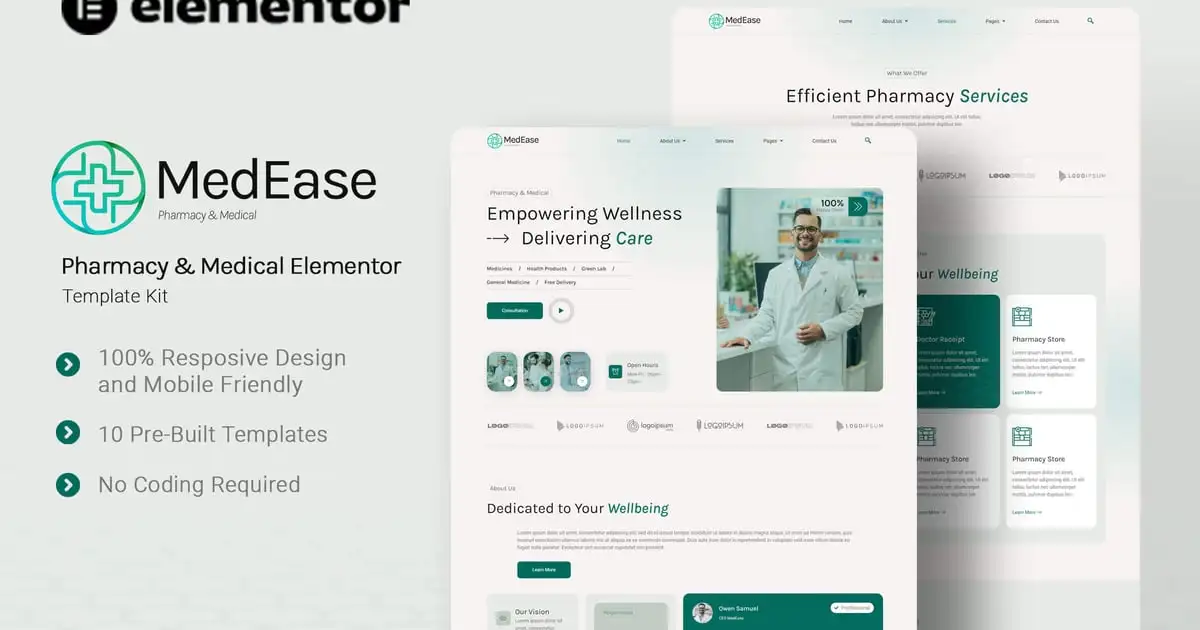
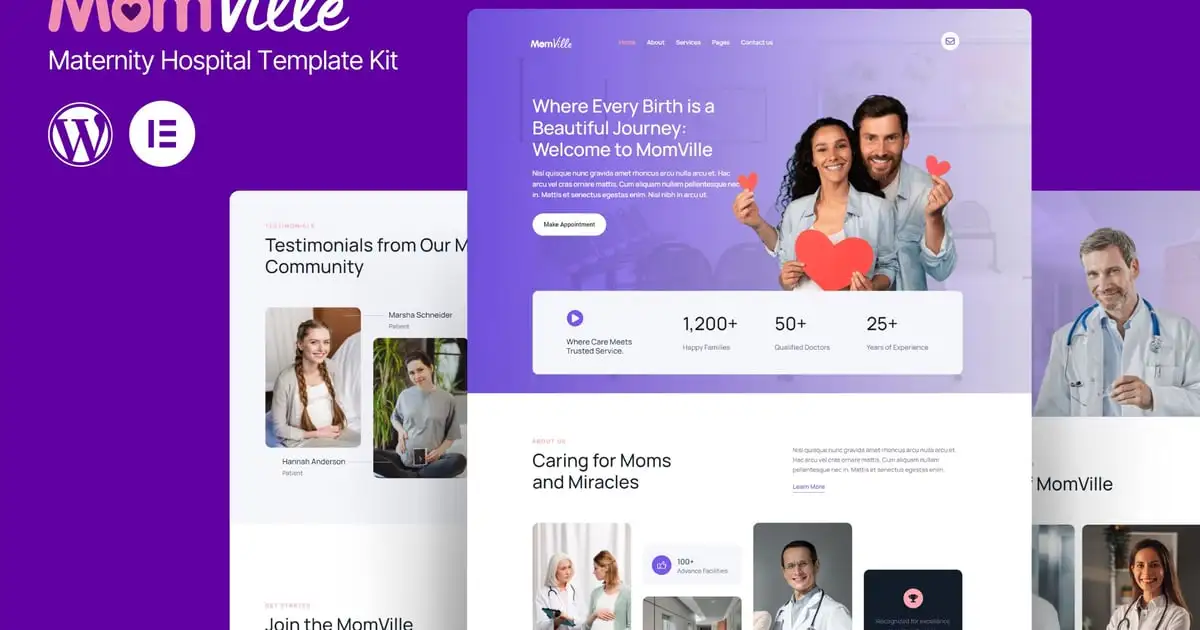
MomVille – Maternity Hospital Website Template is a beautifully crafted Elementor Kit designed specifically for maternity hospitals, clinics, and healthcare providers. This template offers a warm and welcoming design, perfect for showcasing your hospital’s services, expert doctors, and patient testimonials. With its easy-to-navigate layout, expecting parents can effortlessly find the information they need, book appointments, and learn about your specialized care.
The template is fully responsive, ensuring that your website looks great on all devices, from desktops to smartphones. Enhance your online presence with MomVille and create a trustworthy and comforting digital space that reflects the quality of care you provide. Customize the template effortlessly to match your brand’s colors and fonts, making it truly yours. Ideal for healthcare professionals who want to offer a seamless online experience to their patients.
Features
- True no-code customization with drag and drop visual builder
- Customize fonts and colors in one place or fine-tune on individual elements
- Modern, professional design
- Fast-loading
- Works with most Elementor themes.
Note: This is a headless eCommerce solution to be integrated with the cart plugin or platform of your choice.
Pages Included:
- Home
- About Us
- Services
- Service Details
- Doctors
- Pricing
- Appointment
- Help Center
- Contact Us
- Error 404
Plugins installed with kit - Jeg Elementor Kit
- Metform
How to Use Template Kits:
This is not a WordPress Theme. Template kits contain the design data for Elementor only and are installed using the envato Elements plugin for WordPress or directly through Elementor.
Elementor Template Kits use the Envato Elements plugin to install.
Detailed Guide:
- https://help.elements.envato.com/hc/en-us/articles/36032349441945-How-to-Install-Elementor-Template-Kits-With-the-Envato-Elements-Plugin-in-WordPress-for-Envato-Elements-Subscribers
For further support, go to Elementor > Get Help in WordPress menu.
How to Import Metforms
If you have Elementor Pro, skip install of Metform and form blocks.
- Import the metform block templates
- Import the page template where the form appears and right-click to enable the Navigator
- Locate and select the Metform widget and click Edit Form. Choose New, then Edit Form. The builder will appear
- Click ‘Add Template’ grey folder icon.
- Click ‘My Templates’ tab.
- Choose your imported metform template, then click ‘Insert’ (click No for page settings).
- Once the template is loaded, make any desired customizations and click ‘Update & Close’ The form will appear in the template
- Click Update
How to setup header in Jeg Elementor Kit plugin
If you have Elementor Pro, headers and footers may be customized under Theme Builder.
- Go to Jeg Elementor Kit menu item > Header Template
- Click Add New Header
- Add condition > All Site and click Create
- Click gray folder icon to access My Templates tab
- Insert the header template.
- Customize and Save.
Images
This Template Kit uses demo images from Envato Elements. You will need to license these images from Envato Elements to use them on your website, or you can substitute them with your own.
- https://elements.envato.com/collections/7DKH6QYWME