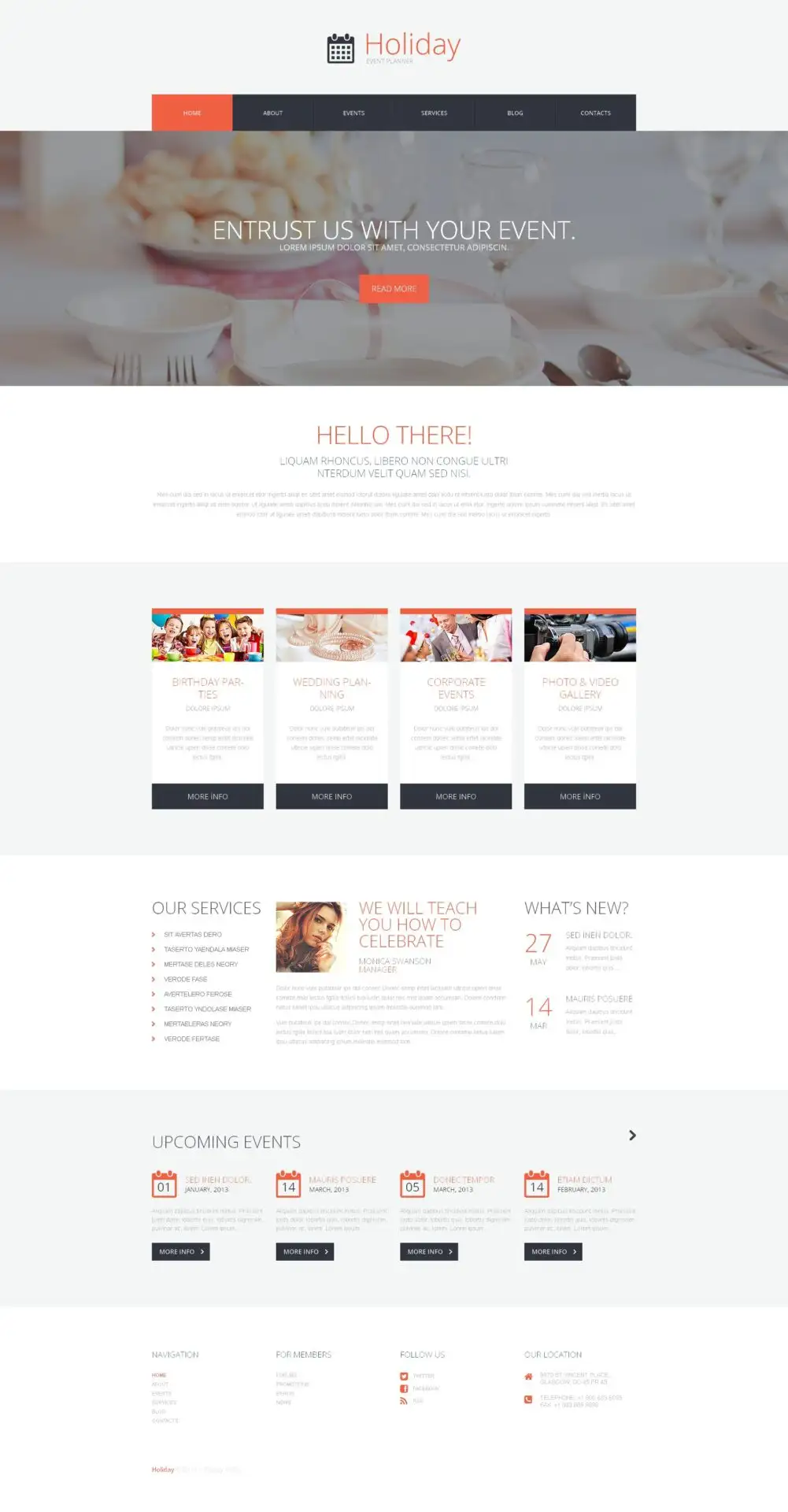
Event Planner WordPress Theme179.000₫

Advanced Custom Fields for WooCommerce Original price was: 100.000₫.80.000₫Current price is: 80.000₫.
Description
Description
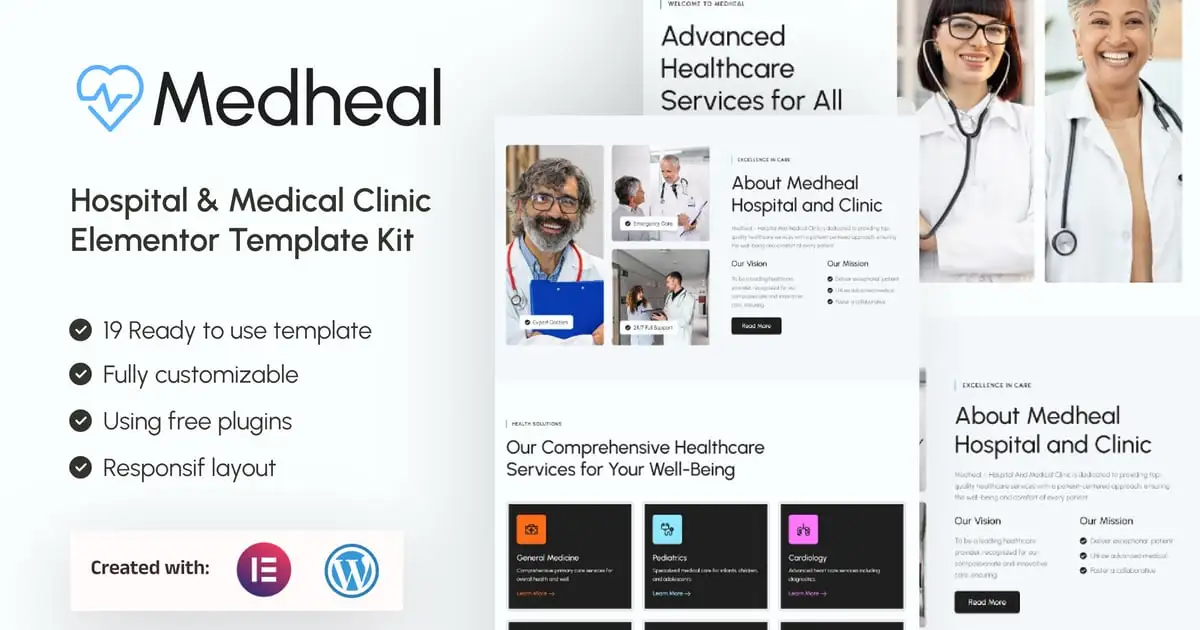
Medheal is an Elementor Template Kit for Hospital & Medical Clinic websites. Designed with healthcare professionals, hospitals, medical clinics, and wellness centers in mind, Medheal effortlessly combines the user-friendly nature of Elementor Free with the reliability of WordPress.
Medheal empowers you to create a professional and patient-friendly website with ease. This template kit is meticulously crafted to meet the specific needs of the healthcare industry, providing a dynamic platform to showcase your medical services, highlight specialties, and enhance patient engagement.
With Medheal, your website becomes a trusted digital hub for healthcare, featuring clean, modern design elements, intuitive layouts, and interactive features that reflect the care and professionalism your clinic offers. From comprehensive service descriptions to user-friendly appointment booking forms, every aspect of Medheal is designed to provide a seamless and reassuring online experience for your patients.
More than just a template, Medheal is a versatile toolkit that adapts to the varied demands of the healthcare sector. Whether you focus on general medicine, specialized treatments, or holistic wellness programs, Medheal equips you with the tools to effectively present your services and foster strong connections with your patients.
Suitable For:
- Hospital
- Medical
- Clinic
Features:
- Compatible with Free Plugins (Elementor Pro not required)
- Unique & Clean Design
- Modern design based on design system
- 19 Ready to use templates
- Fully Responsive Layout
- Fully Customizable
- Cross Browser Compatibility: Chrome, Firefox, Safari, Opera
Templates Include:
- Global Theme Style
- Home
- About
- Services
- Service Detail
- Appointment
- Doctors
- Doctor Detail
- FAQs
- Packages
- Testimonial
- Blog
- Single Post
- 404 Pages
- Contact
- Header
- Footer
- Form Appointment (MetForm)
- Form Contact (MetForm)
- Form Subscribe (MetForm)
Required Plugin(included):
- Elementor
- Elementskit Lite
- MetForm
- Gum Elementor Addon
How to Use Template Kits:
This is not a WordPress Theme. Template kits contain the design data for Elementor only and are installed using the envato Elements plugin for WordPress or directly through Elementor.
Elementor Template Kits use the Envato Elements plugin to install.
Detailed Guide:
- https://help.elements.envato.com/hc/en-us/articles/36032349441945-How-to-Install-Elementor-Template-Kits-With-the-Envato-Elements-Plugin-in-WordPress-for-Envato-Elements-Subscribers
For further support, go to Elementor > Get Help in WordPress menu.
How to Import Metforms. If you have Elementor Pro, skip install of Metform and form blocks.
- Import the metform block templates
- Import the page template where the form appears and right-click to enable the Navigator
- Locate and select the Metform widget and click Edit Form. Choose New, then Edit Form. The builder will appear
- Click ‘Add Template’ grey folder icon.
- Click ‘My Templates’ tab.
- Choose your imported metform template, then click ‘Insert’ (click No for page settings).
- Once the template is loaded, make any desired customizations and click ‘Update & Close’ The form will appear in the template
- Click Update
Setup Global Header and Footer in ElementsKit. If you have Elementor Pro, headers and footers may be customized under Theme Builder.
- Import the header and footer template
- Go to ElementsKit > Header Footer and click Add New (if prompted with a wizard, you may click Next through it without taking any action)
- Title the header, leave Entire Site selected and toggle Activation to On
- Click the gray Edit Content button to load the builder
- Click the gray folder icon and select the header template to import, select your menu in the nav element and click Update.
- Repeat for Footer
IMPORTANT:
This Template Kit uses demo images from Envato Elements. You will need to license these images from Envato Elements to use them on your website, or you can substitute them with your own.<br/><br/>
https://elements.envato.com/collections/4RV5DZTL2N
Có thể bạn quan tâm


Thông tin thanh toán


Đăng ký theo dõi
Đăng nhập
Cũ hơn